Best Capture Card for Xbox Series S Features and Buying Guide
18 August 2026 | 369
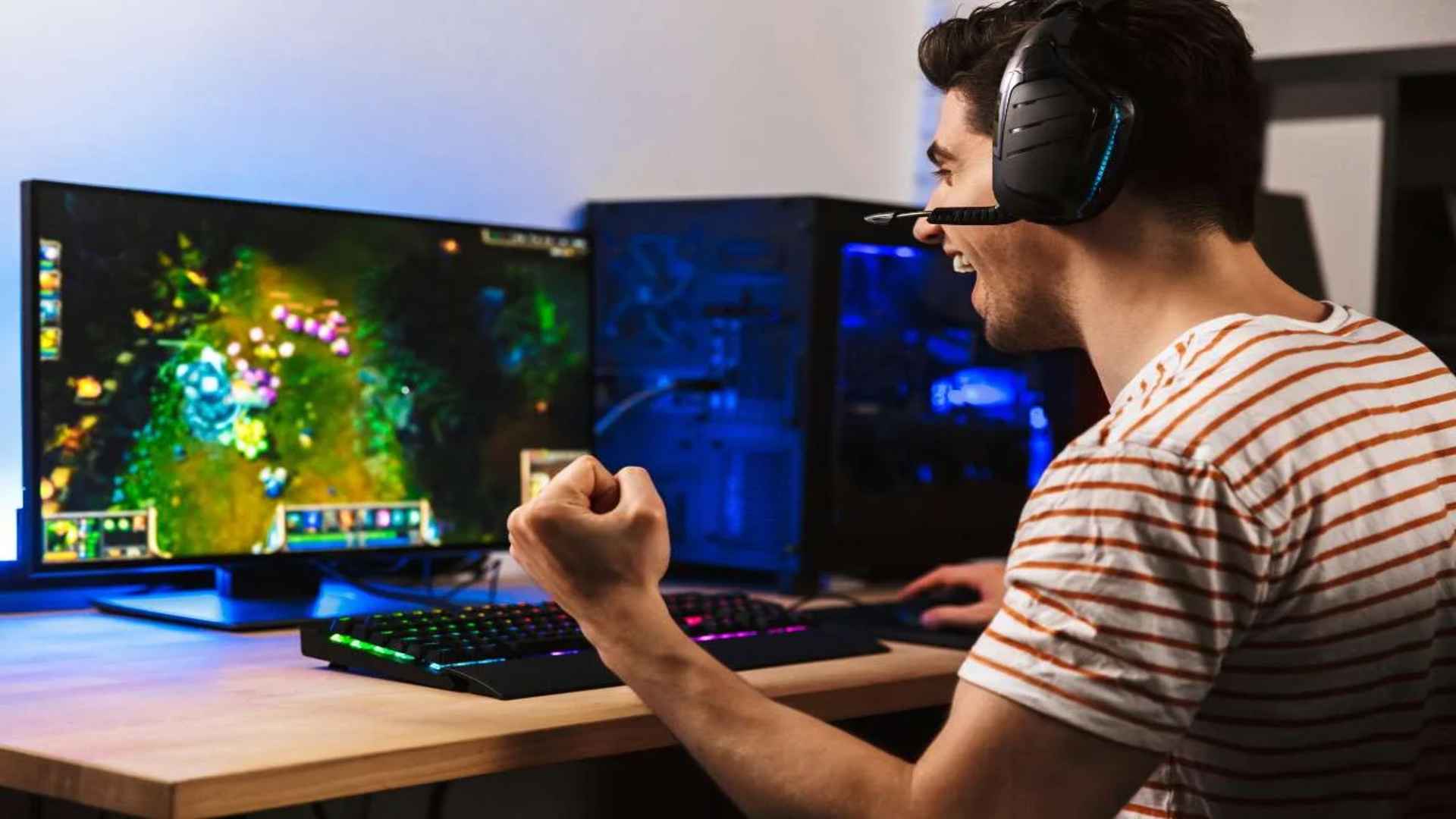
The Xbox Series S has established itself as an incredibly popular and accessible entry point into current-generation gaming. However, creators looking to share their digital adventures on platforms like Twitch or YouTube quickly realize that high-quality streaming requires external hardware. Investing in a dedicated capture device ensures that your live broadcasts maintain crisp visuals without sacrificing console performance.
Understanding Passthrough and Capture Performance
When selecting a capture device for your console, it is vital to differentiate between recording resolution and visual passthrough capabilities. The ideal setup allows you to play your favorite games smoothly on your primary monitor while sending a clean video feed directly to your computer. High-speed hardware eliminates lag and ensures your audio streams stay perfectly synchronized during intense multiplayer matches.
Many modern internal and external capture devices support advanced features like high refresh rate passthrough for targeted performance. This means you can still enjoy fluid gameplay at 1080p or 1440p on your television while capturing standard high-definition footage for your audience. Balancing these technical specifications ensures a seamless experience for both the broadcaster and the viewers watching the stream.
Choosing Between USB and PCIe Hardware Options
External USB capture boxes offer immense flexibility and simple plug-and-play installation for laptop users and casual content creators. These compact devices connect directly between your Xbox console and a standard computer port, making them highly portable for dynamic setups. They are perfect for creators who need a reliable workflow without the hassle of opening their computer cases.
On the other hand, internal PCIe cards provide maximum throughput and lower overall latency by connecting directly to a desktop motherboard. Professional broadcasters often prefer internal options because they reduce cable clutter and handle higher data volumes easily. Evaluating your current workspace and production goals will help you decide which form factor suits your daily workflow best.
Audio Management and Setup Compatibility
Achieving pristine audio is just as important as delivering smooth visual content during a live broadcast. Many creators look for devices that feature dedicated audio ports to capture party chat and game sound simultaneously. Proper sound configuration prevents frustrating echoing effects and ensures your commentary remains completely intelligible throughout the session.
It is also essential to ensure that your chosen hardware integrates seamlessly with popular software utilities like OBS Studio or Streamlabs. Reliable drivers and consistent manufacturer software updates guarantee long-term stability during extended broadcasting sessions. Taking the time to adjust your capture software layout will dramatically improve the overall professionalism of your digital channel.
Final Recommendations for Content Creators
Finding the right balance between performance, usability, and budget is the ultimate key to a successful streaming setup. Beginners may want to focus on affordable external models that deliver stable frame rates without demanding complex technical configurations. As your audience grows, upgrading to premium hardware will unlock higher resolutions and advanced features to elevate your production value.